Quick answer: A medical store needs billing software that tracks stock per batch, with each batch’s expiry date, purchase price and sale price — not just a product count. Add GST billing, supplier purchases and role-based staff access, and you have the core of good pharmacy software.
Why Generic Billing Apps Fall Short
The same medicine arrives in different batches with different expiry dates and often different prices. A generic billing app that only knows “Dolo 650 × 120 strips” cannot tell you which strips expire next month. Pharmacy software must sell from the right batch and reduce that batch’s stock on every bill.
The Medical Store Checklist
Stock & Expiry
- Medicine master with company, generic name, category and rack location
- Batch-wise stock with expiry date, purchase price and MRP per batch
- Minimum and re-order levels
- Stock view that updates the moment you bill
Billing & GST
- Counter bill that picks the batch automatically
- Configurable GST rates (5%, 12%, 18%) per item
- Customer and prescribing doctor on the bill
- Cash, UPI and card payments
- Printable PDF bills and email
Purchases, Accounts & Staff
- Supplier purchase entries that create new batches
- Expenses by type: rent, electricity, salaries
- Staff roles — a cashier should not see your margins
- Dashboard with income, expenses and purchases
Questions Before You Buy
- Does it sell from a chosen batch, or just reduce a total?
- Can I see batches expiring in the next 60 days?
- Is it a one-time purchase or a monthly fee?
- Can I limit what each staff member sees?
Drug Store by Darwinbark
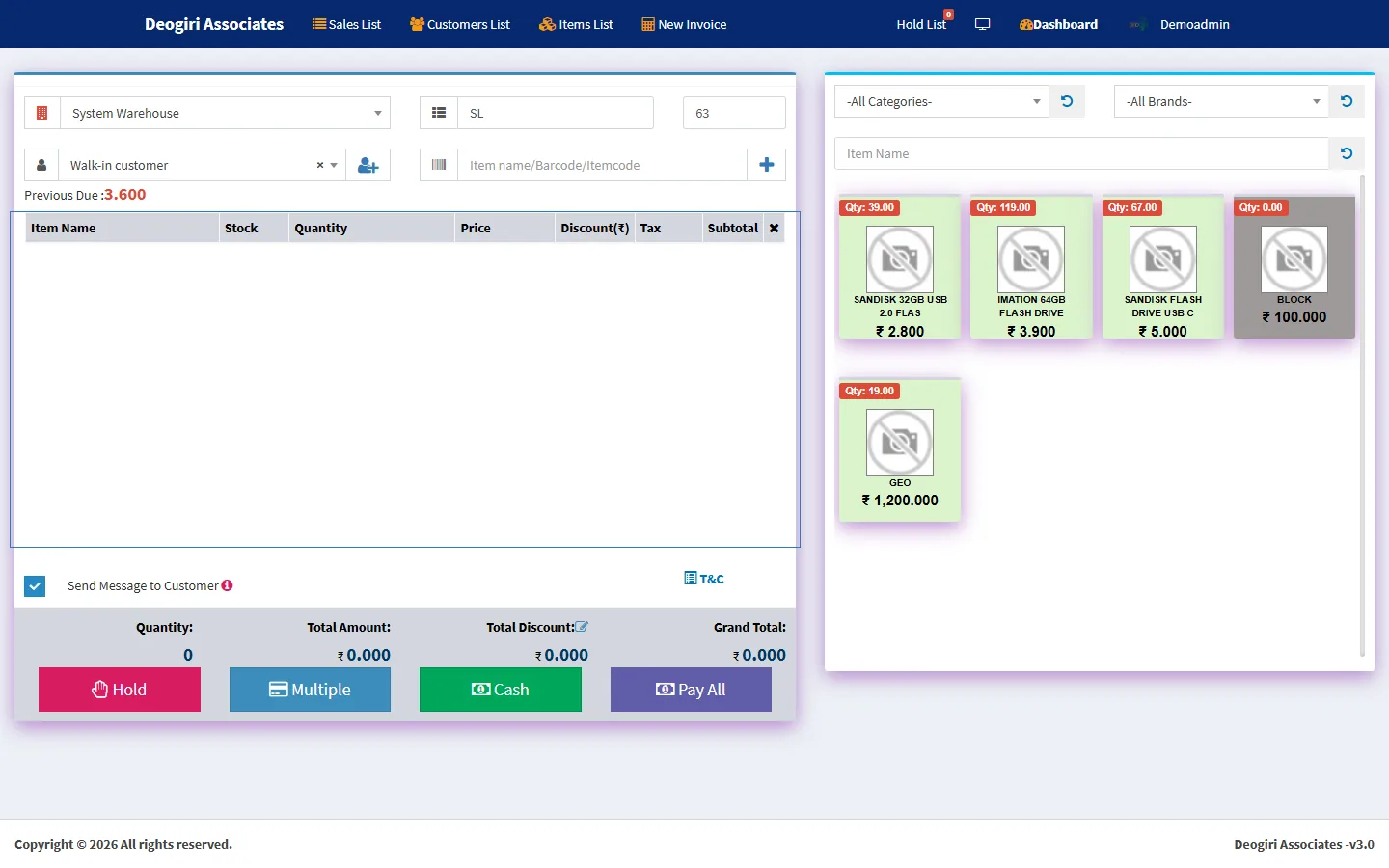
Drug Store covers every item on this list: batch-wise stock with expiry, GST billing that reduces the right batch, supplier purchases, expenses, payroll and six ready-made staff roles. The live demo has an Admin and a Store Manager login with realistic Indian pharmacy data.
Switching From Paper or Excel in Five Steps
- Set up GST rates (5%, 12%, 18%) and payment methods (cash, UPI, card).
- Create medicine categories — tablet, capsule, syrup, injection, ointment, drops.
- Add suppliers with phone and address.
- Enter opening stock as purchases so every medicine starts with a real batch, expiry and price.
- Start billing from day one and let the software reduce batch stock automatically.
Costly Mistakes to Avoid
- Entering stock without batches. You lose expiry tracking, which is the main reason to use pharmacy software.
- Giving every staff member admin access. Use roles so billing staff do not see purchase prices.
- Not recording purchases. Without purchases, stock and profit reports are guesses.
- Skipping daily backups. Your billing data is your business record.
What Reports Should Show Every Day
- Today’s sales and payment-method split
- Medicines below re-order level
- Batches expiring soon
- Purchases and expenses for the month
- Income vs expenses on the dashboard
Frequently Asked Questions
Can I bill one medicine from two different batches?
Yes — batch-aware software lets you pick the batch on the bill so stock and expiry stay accurate.
Does pharmacy software handle GST?
Good pharmacy software applies the configured GST rate per item on both purchases and bills.
Can I track doctors who refer customers?
Many pharmacy systems record the prescribing doctor on each bill, which helps track referrals.
Will it work for a small chemist shop?
Yes. Start with billing and stock; payroll and attendance modules can wait until you have staff.
See It Working
Open the Drug Store product page for the live demo, screenshots and full feature list — or message us on WhatsApp for a walkthrough and quote.
Need help with this? Darwinbark can build it for you.
Tailored web applications and dashboards that automate workflows and scale with your business.
Custom Software & Web Apps Get a Free Quote