×
Darwinbark offers digital products, PHP scripts, WordPress plugins, Android and iOS apps, and software solutions. Explore AI-powered tools, business software, and practical digital utilities built to make work easier..

Write a job-ready resume in your browser, with 56 designs and AI help that rewrites your bullet points.

Start typing straight away — no account needed to begin. Choose a layout, fill in your details, and see the finished page update as you write. When you want the PDF, create a free account and the resume you started moves into it.

Browse all templates
  • 56 templates
  • 12 layouts
  • 5 ATS-friendly layouts
  • No signup to start

Pick a layout

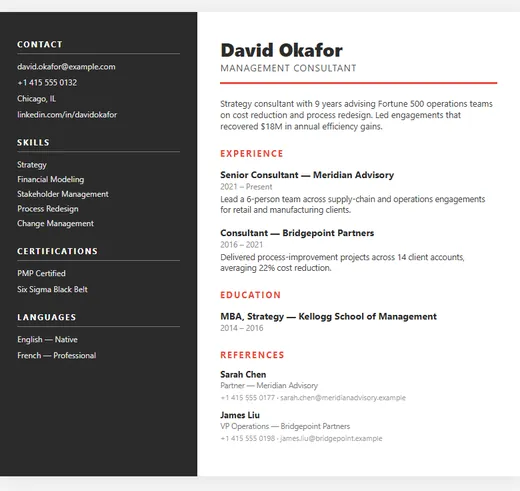
Sidebar resume template — Corporate

Sidebar

Corporate

5 colour options

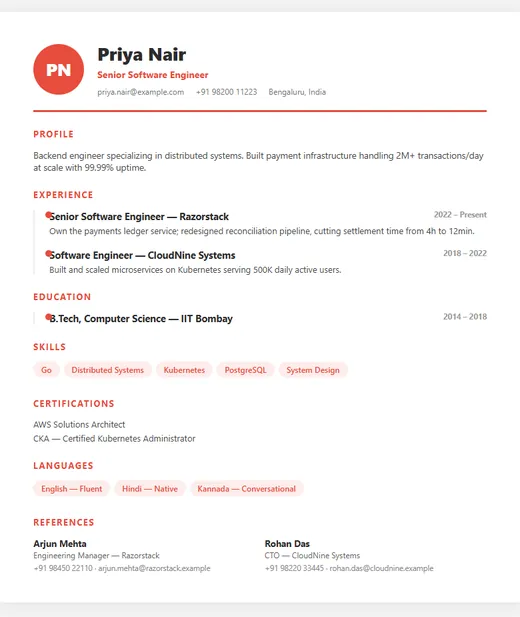
Timeline resume template — Professional

Timeline

Professional

5 colour options

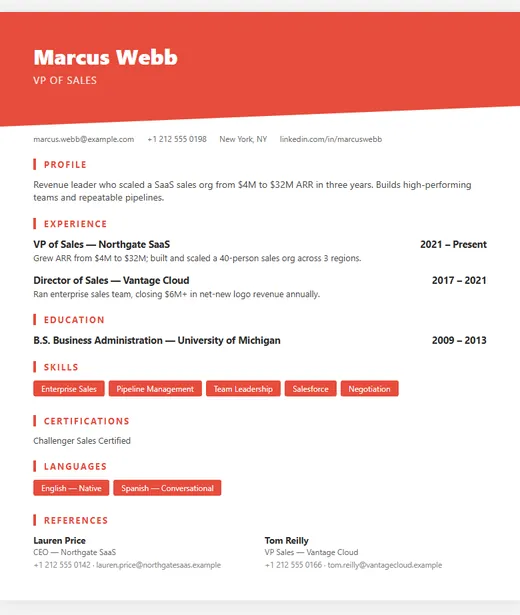
Diagonal resume template — Creative

Diagonal

Creative

5 colour options

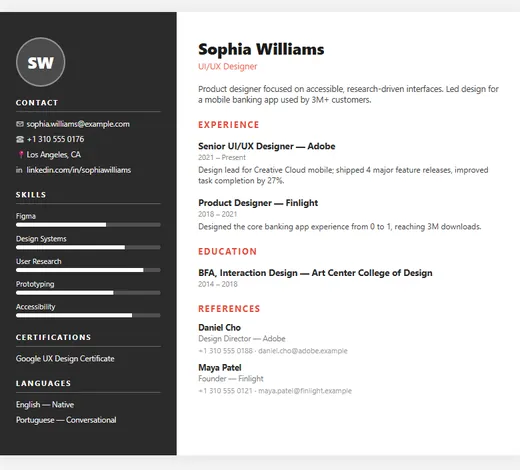
Icon Sidebar resume template — Modern

Icon Sidebar

Modern

5 colour options

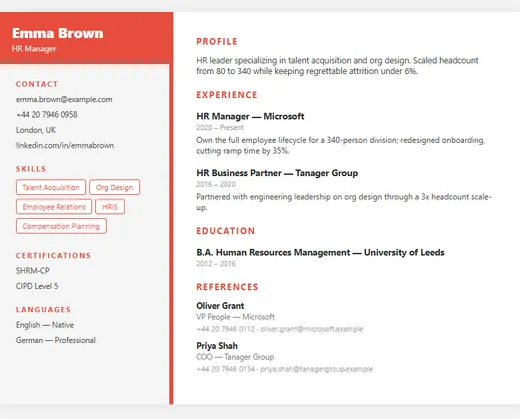
Two-Tone resume template — HR

Two-Tone

HR

5 colour options

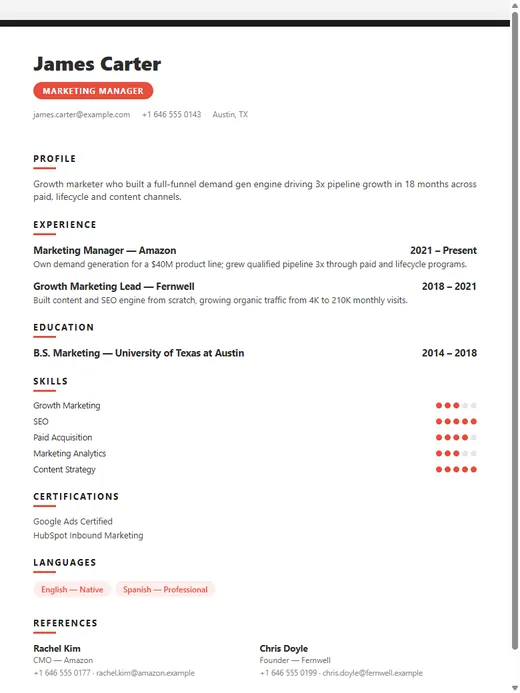
Bold Tags resume template — Marketing

Bold Tags

Marketing

5 colour options

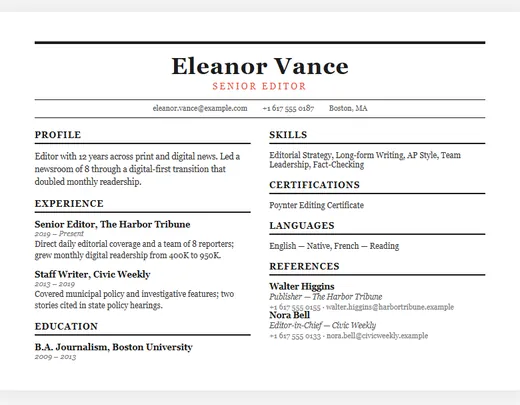
Newspaper resume template (ATS-friendly) — Traditional

Newspaper

Traditional ATS-friendly

3 colour options

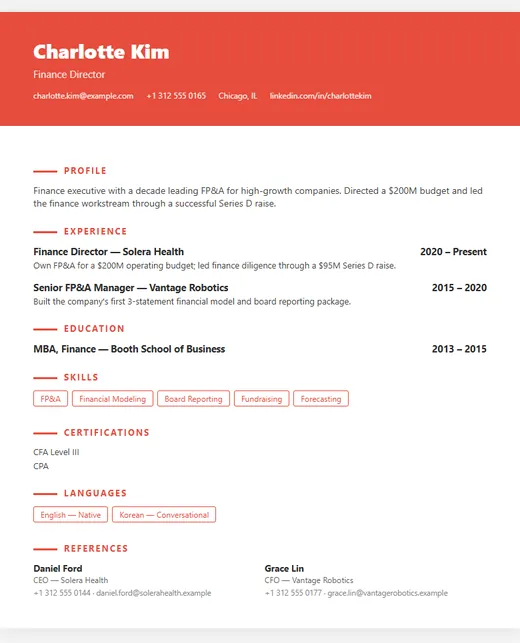
Elegant Banner resume template — Executive

Elegant Banner

Executive

5 colour options

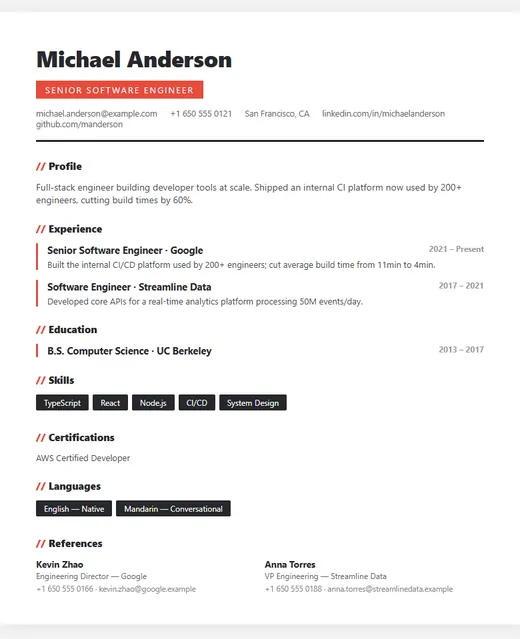
Modern resume template (ATS-friendly) — IT

Modern

IT ATS-friendly

5 colour options

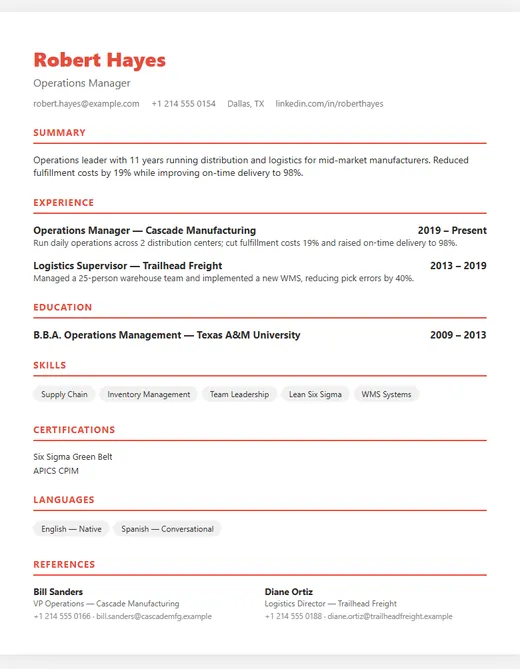
Classic resume template (ATS-friendly) — Professional

Classic

Professional ATS-friendly

5 colour options

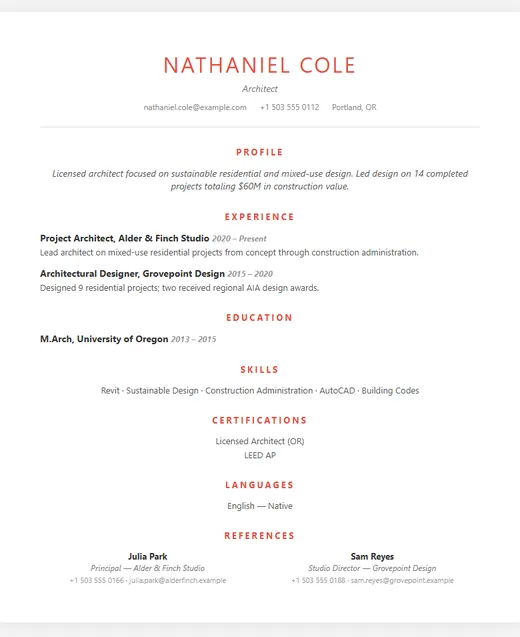
Minimal resume template (ATS-friendly) — ATS Friendly

Minimal

ATS Friendly ATS-friendly

4 colour options

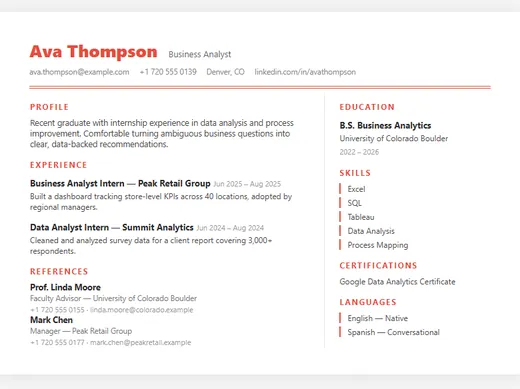
Compact resume template (ATS-friendly) — Fresher

Compact

Fresher ATS-friendly

4 colour options

How it works

  1. Pick a layout. There are 12 layouts, each in several colour schemes — 56 designs in total. You can switch layout later without retyping anything.
  2. Fill in your details. Profile, experience, education, skills, certifications, languages and references each have their own fields, so the design stays consistent however much you write.
  3. Tighten it with AI. Press Improve with AI on your profile or any job entry and it rewrites that text into shorter, achievement-led lines with strong action verbs. The result stays fully editable, so adjust anything that doesn't sound like you.
  4. Share or download. Publish a live link to send to recruiters, or download a print-ready A4 PDF with a free account.

What makes a resume get read

Most recruiters skim a resume in well under a minute before deciding whether to read it properly. What survives that skim is structure: your most recent role and title are obvious, dates line up, and every bullet says what changed because of you. "Responsible for social media" tells a recruiter nothing; "Grew Instagram following from 2,000 to 18,000 in eight months" tells them what to expect.

The second filter is software. Many companies run applications through an applicant tracking system (ATS) that extracts your text before a person sees it. If the software can't read your section headings or dates, you can be filtered out regardless of your experience. 5 of our layouts are marked ATS-friendly: they use standard section names and real, selectable text rather than images or icons in place of words. There's a full explanation on the ATS-friendly templates page.

Free plan and account

You can build and edit 1 resume for free, including the AI rewrite and a shareable public link. A free account is needed to download the PDF and to keep your resume beyond this browser session — when you sign up, the resume you already started is moved into your account automatically.

Frequently asked questions

Is the resume builder really free?
Yes. You can create 1 resume, use every template, use the AI rewrite, publish a public link and download the PDF without paying. Paid plans are only needed for more than 1 resume.
Do I need to sign up?
Not to start. You can build and edit straight away. To download the PDF, or to keep your resume after you close the browser, create a free account — your draft moves into it.
Can I change the template after I have written my resume?
Yes. Your content is stored separately from the design, so switching layout or colour never loses what you have typed.
What does the AI rewrite do?
It rewrites your profile or a job entry in place to be shorter and achievement-focused, with stronger action verbs. It works best when your original text includes a concrete result, such as a number, a timeframe or a scale — and you can edit whatever it writes.
Can I share my resume as a link?
Yes. Publishing gives your resume its own web address you can put in emails, LinkedIn or job applications. You can make it private again at any time.
DarwinBotTell me what you need — I'll point you to the right solution.