×
Darwinbark offers digital products, PHP scripts, WordPress plugins, Android and iOS apps, and software solutions. Explore AI-powered tools, business software, and practical digital utilities built to make work easier..

56 resume templates across 12 layouts — from strictly traditional to bold and modern. Pick one and start editing free.

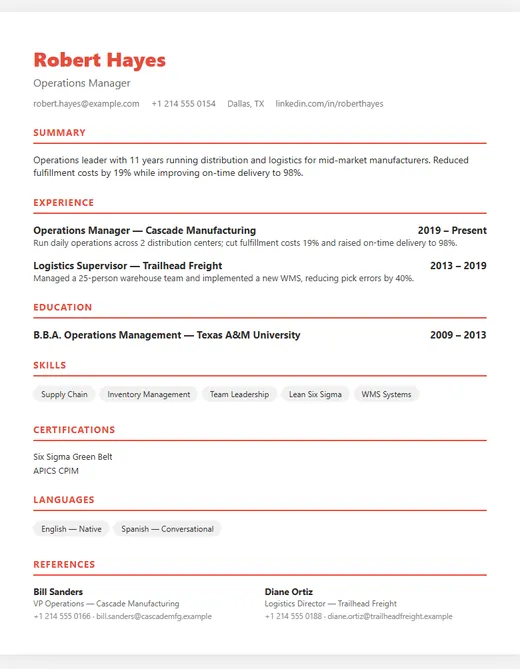
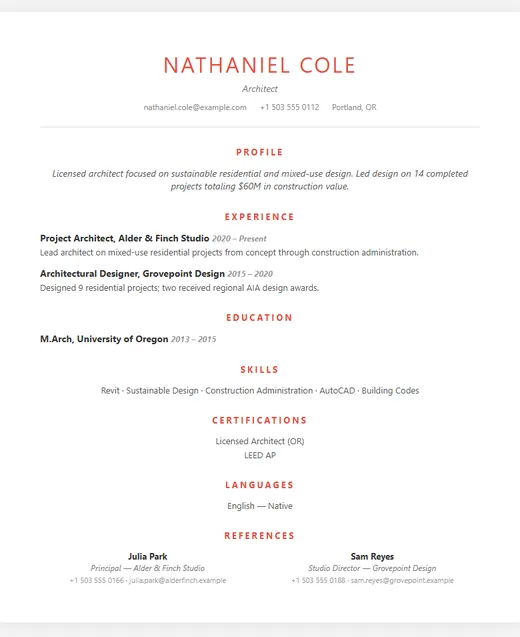
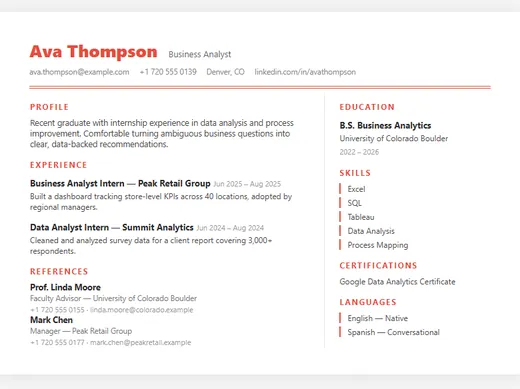
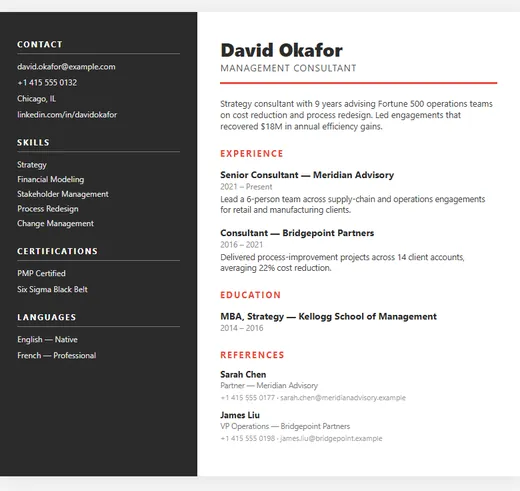
Every template below is a real, editable design, not an image. Open a preview to see it filled in with a sample career, then choose Use this template to start writing in it.

  • 56 templates
  • 12 layouts
  • 5 ATS-friendly layouts
  • No signup to start

Pick a layout

Sidebar resume template — Corporate

Sidebar

Corporate

5 colour options

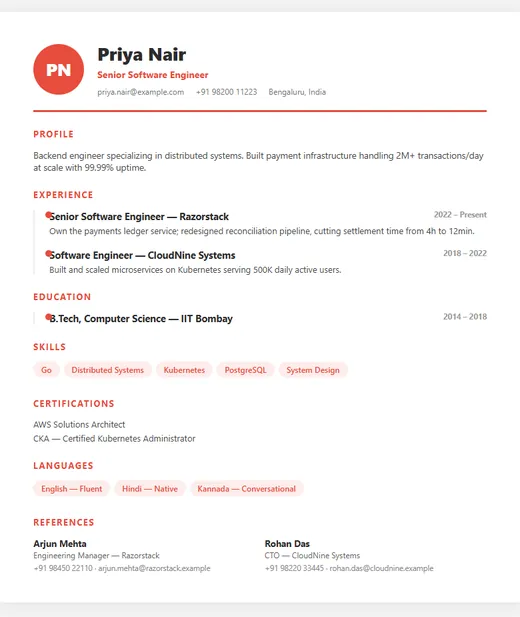
Timeline resume template — Professional

Timeline

Professional

5 colour options

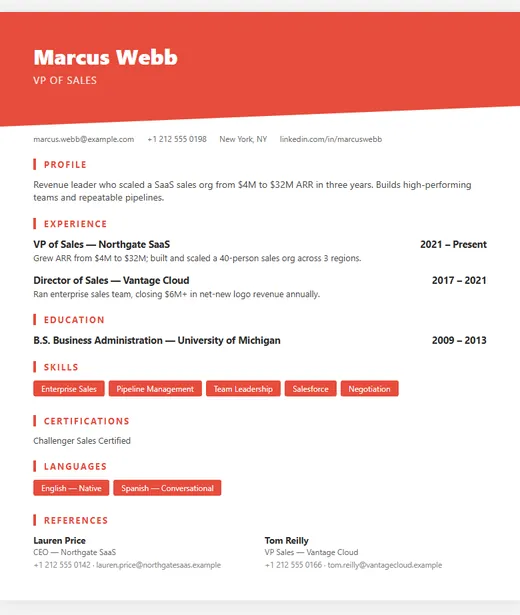
Diagonal resume template — Creative

Diagonal

Creative

5 colour options

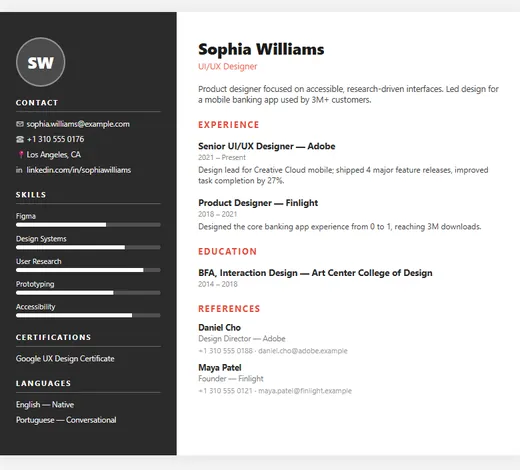
Icon Sidebar resume template — Modern

Icon Sidebar

Modern

5 colour options

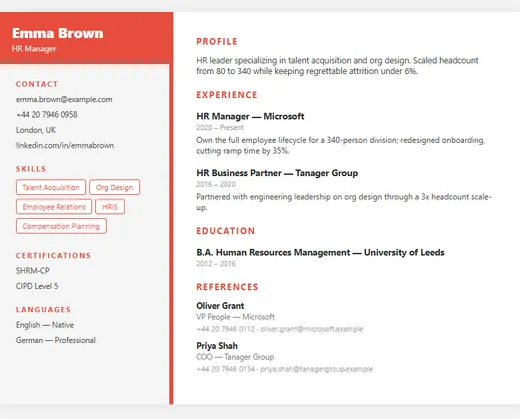
Two-Tone resume template — HR

Two-Tone

HR

5 colour options

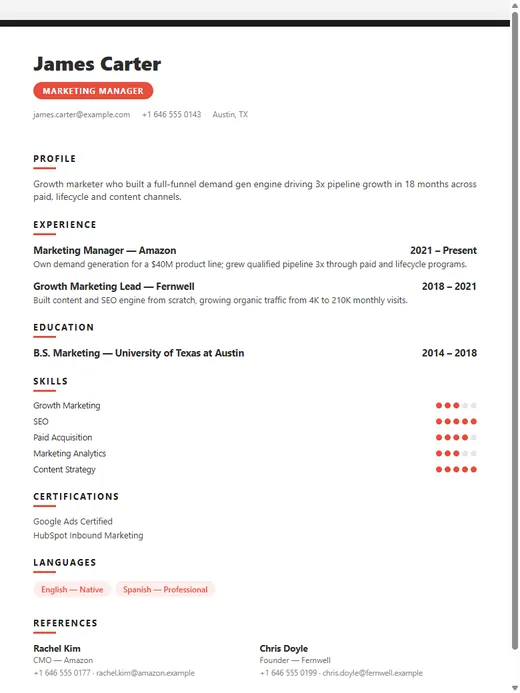
Bold Tags resume template — Marketing

Bold Tags

Marketing

5 colour options

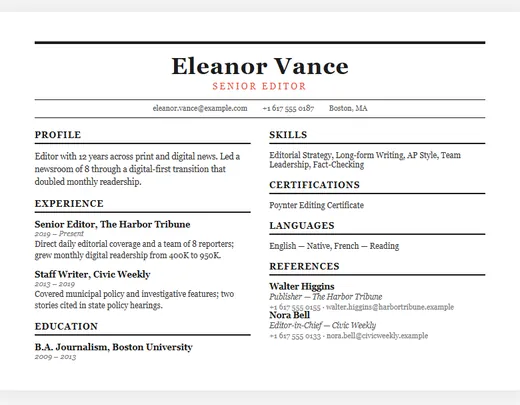
Newspaper resume template (ATS-friendly) — Traditional

Newspaper

Traditional ATS-friendly

3 colour options

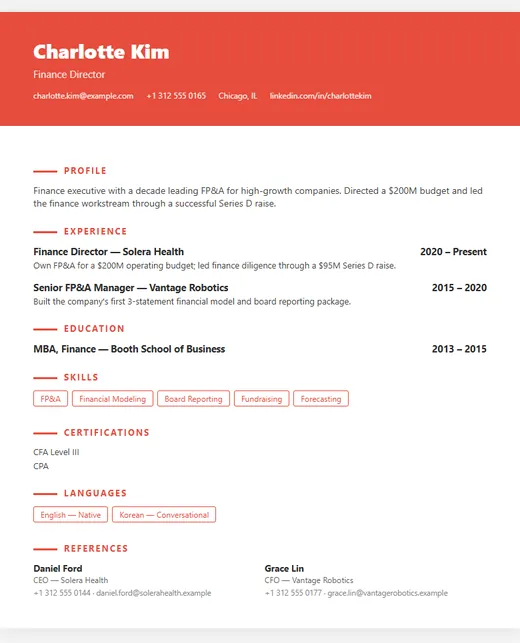
Elegant Banner resume template — Executive

Elegant Banner

Executive

5 colour options

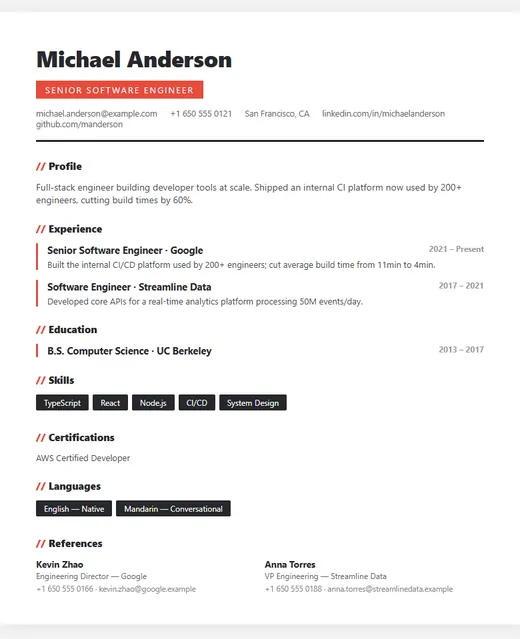
Modern resume template (ATS-friendly) — IT

Modern

IT ATS-friendly

5 colour options

Classic resume template (ATS-friendly) — Professional

Classic

Professional ATS-friendly

5 colour options

Minimal resume template (ATS-friendly) — ATS Friendly

Minimal

ATS Friendly ATS-friendly

4 colour options

Compact resume template (ATS-friendly) — Fresher

Compact

Fresher ATS-friendly

4 colour options

How to choose a template

Match the industry, not your taste. Finance, law, government and most large corporate employers expect a traditional layout: one clear column, conservative type, no graphics. Design, marketing and start-up roles give you more room — a coloured sidebar or header can signal that you care about presentation. When in doubt, the more conservative choice is rarely the wrong one.

Match your career stage. If you have little work experience, choose a layout that gives education, projects and skills room near the top. If you have ten years of experience, choose one that makes your job history easy to scan and keeps everything else compact.

Think about who reads it first. If you are applying through a large company's online portal, assume an applicant tracking system will parse it before a person does, and pick one of the 5 ATS-friendly layouts. If you are handing it to someone directly or sending it by email to a small business, a more designed layout is fine.

Colours and layouts

Each layout comes in several colour schemes. The colour doesn't change how the resume is read by software, only how it looks, so choose the one that suits the role. You can change both layout and colour at any time without retyping your content.

Frequently asked questions

Are these resume templates free?
Yes, every template is free to use. You can edit, publish and download your resume without paying.
Which template is best for my first job?
Choose a clean, single-focus layout that lets you lead with education and projects. The resume templates for freshers page shows the layouts that suit an early-career resume.
Can I download the template as a Word file?
No — the templates are filled in online and downloaded as a PDF, which keeps the formatting identical on every computer and is what most employers prefer.
DarwinBotTell me what you need — I'll point you to the right solution.