The Problem
Businesses running customer communication through WhatsApp had two options: a shared personal number with no audit trail or API access, or building a direct Meta Cloud API integration themselves - OAuth flow, phone number registration, webhook handling, and a place to track how many messages were actually sent. Most small businesses don't have the engineering time for the second option, and generic "WhatsApp automation software" on the market rarely offers both a dashboard and a real API on the same account.
The Solution
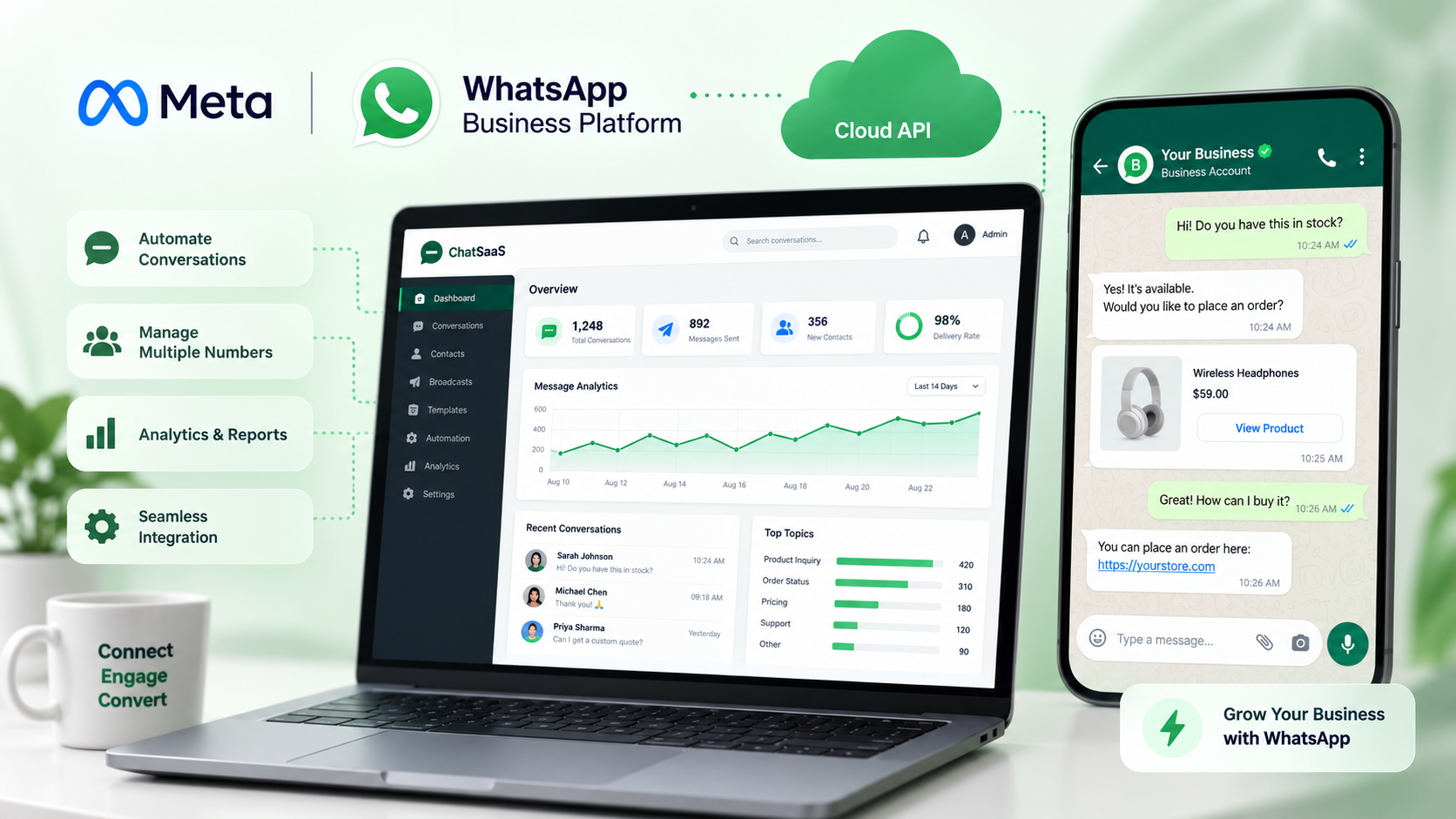
Darwinbark built a self-serve WhatsApp Business API SaaS platform on top of the official Meta WhatsApp Cloud API. A business connects its own WhatsApp Business Account through Meta's Embedded Signup flow (not a shared or session-based number), gets a dashboard to send messages and track usage, and - for businesses that want to send from their own app instead of a web form - a REST API authenticated with a per-client API key for bulk WhatsApp messaging and custom integrations.
Architecture
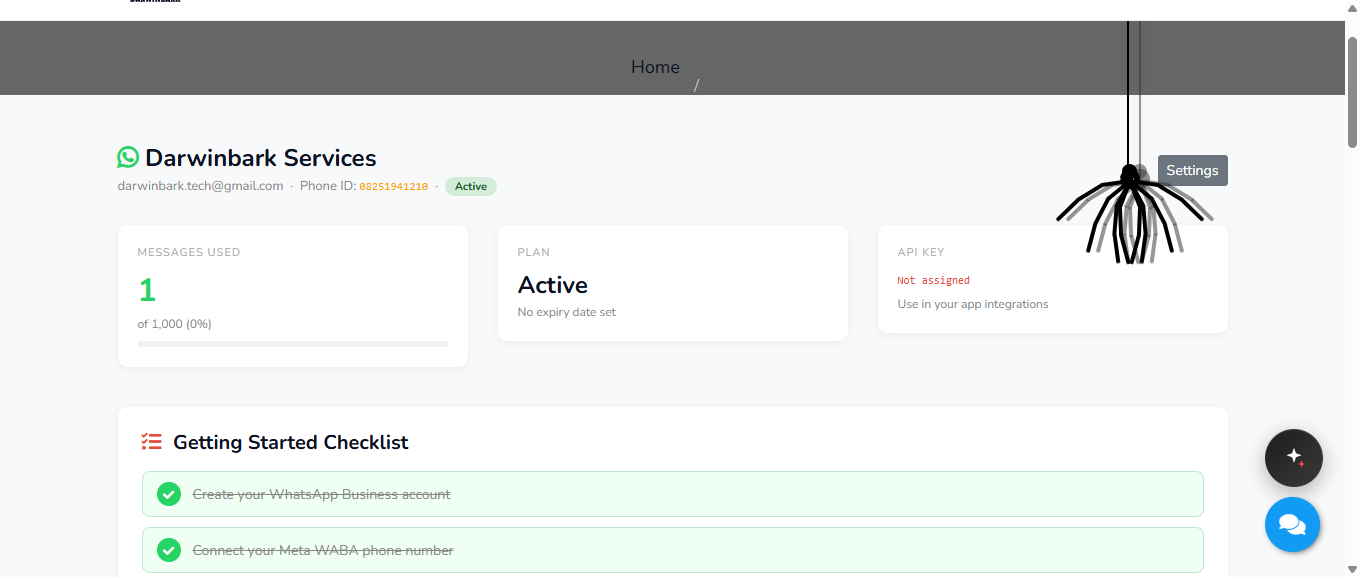
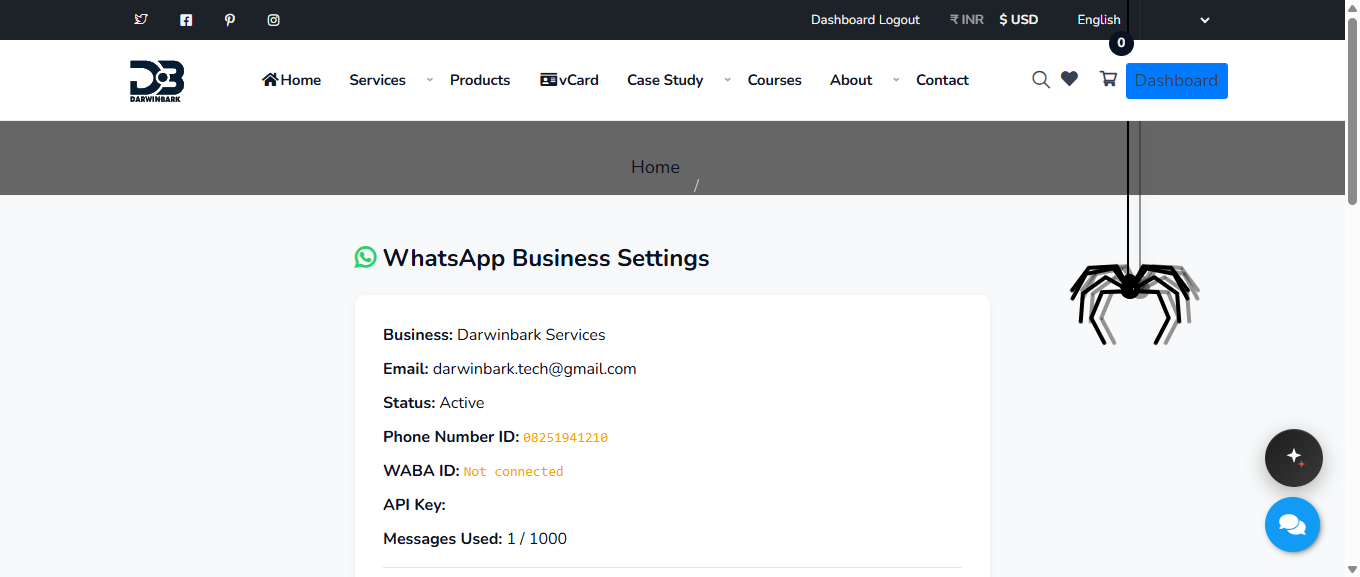
Each connected business gets its own WabaClient record: phone number ID, an encrypted Meta access token, a messages-used/messages-limit quota, and a status (pending / active / suspended) that an admin controls before the account can send anything. Every send - whether from the dashboard form or the WhatsApp Business API integration - runs through the same code path: status check, quota check, then a direct call to Meta's Graph API, with the message logged and the usage counter incremented only on confirmed success.
Features
- Meta Embedded Signup - connect your own WhatsApp Business number, not a shared one
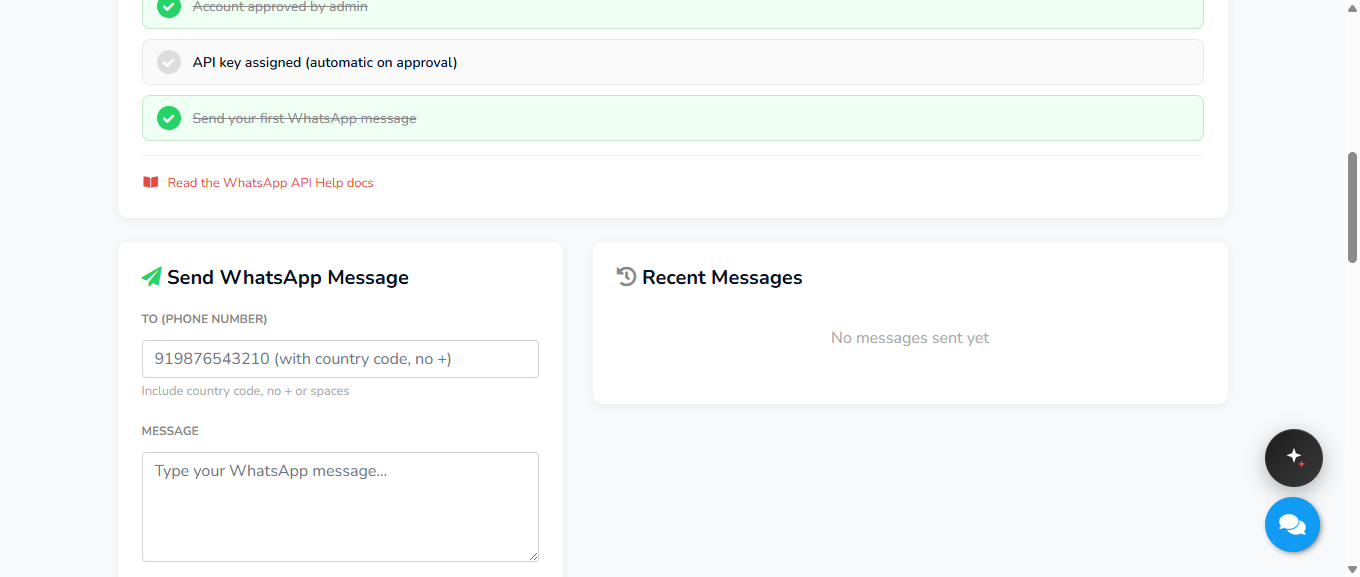
- Dashboard message sending with a live usage bar (messages used / plan limit)
- Self-serve REST API (curl / PHP / JavaScript) authenticated with a per-client API key - built for bulk WhatsApp messaging and custom integrations
- API key rotation from the dashboard
- Admin approval workflow before an account can send, plus a suspend control
- Free trial tier with an admin-configurable message limit
Challenges Solved
Self-serve without losing control. A business connects its own number end-to-end without needing Darwinbark to do it manually, but nothing can send until an admin explicitly approves the account - onboarding stays self-serve, activation stays gated.
Metering usage without a separate billing system. Every send - dashboard or API - increments the same counter against the same plan limit, so there's one source of truth for how much a client has used, checked before Meta is ever called rather than after.
Real API access, not just a web form. A business with its own app can integrate directly against the REST endpoint with the same quota and approval rules the dashboard uses, instead of being limited to sending through Darwinbark's UI - the same WhatsApp Business API integration powering both the dashboard and bulk WhatsApp messaging from a client's own systems.
Result
A business can go from signup to sending their first message without a developer on Darwinbark's side touching their account, while every message sent - through the dashboard or the API - stays inside the same tracked, admin-controlled quota. This WhatsApp Business SaaS platform is the same one running Darwinbark's own customer messaging.
Gallery